Tax AI Tools: Mid-2026 Reality Check
Six months into 2026, we check in on the tax AI landscape. Which tools are actually gaining traction with practitioners? What's working, what's hype, and what small firms need to know.
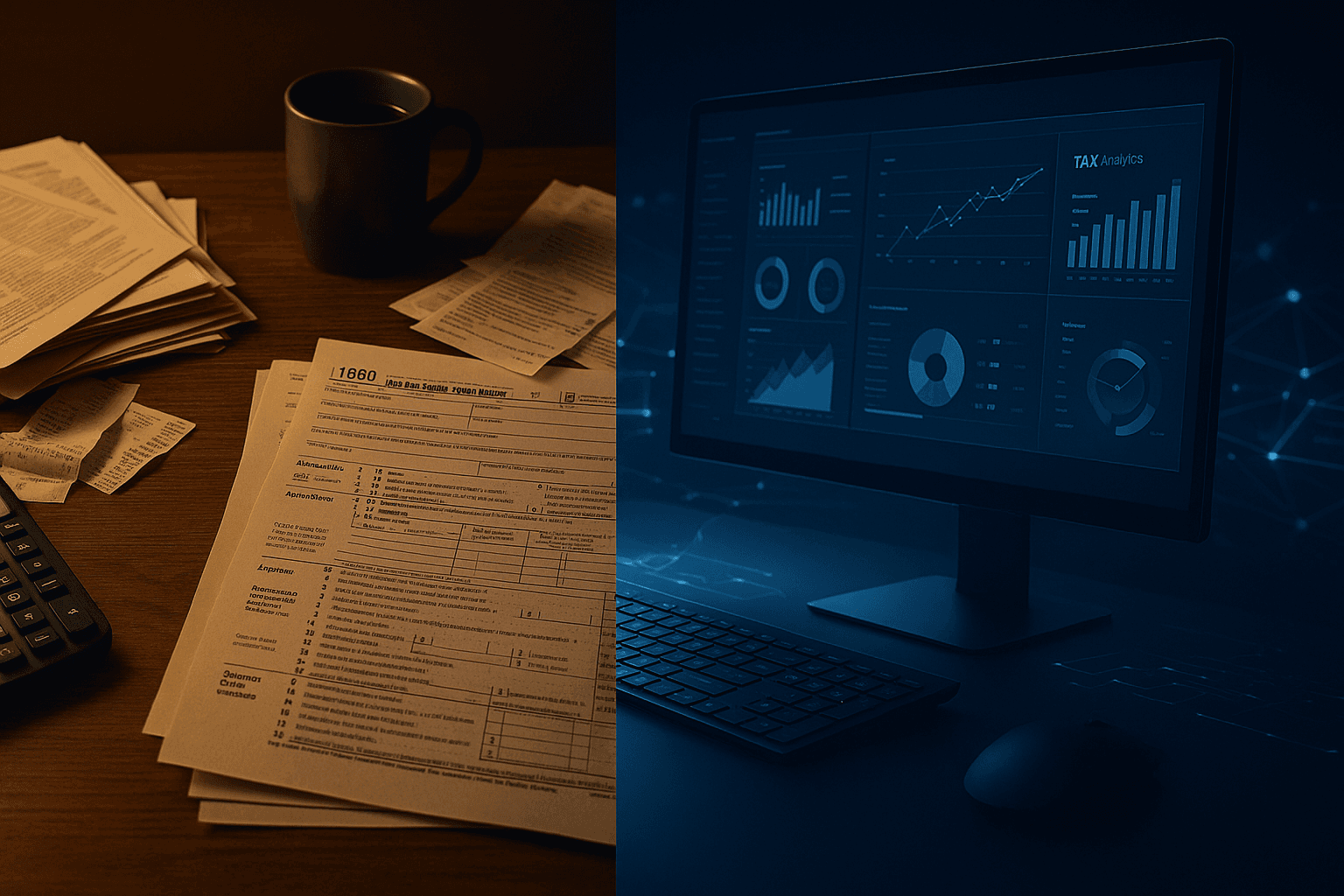
We're halfway through 2026, and tax AI has moved from "interesting experiment" to "actually on my desktop." But the gap between vendor promises and practitioner reality is still wide. Some tools deliver. Others are glorified ChatGPT wrappers charging $200/month.
This is a status check: which AI tools are gaining real traction with small firms, what practitioners are saying, and what's actually worth your time.
The landscape: where we are now
AI in tax broke out in early 2024 when ChatGPT-4 showed it could summarize complex technical guidance faster than most first-year associates. By late 2024, dozens of vendors had launched tax-specific AI products. The 2025 filing season was the first mass test.
Now, mid-2026, we have enough signal to separate substance from vaporware. The tools that matter fall into three categories:
Research assistants – Answer tax questions, summarize code, surface relevant authority.
Document automation – Extract data from PDFs, receipts, K-1s, W-2s.
Workflow copilots – Draft memos, review returns, surface missing items.
Let's look at what's working.
TaxGPT: the one everyone's talking about
What it is: A GPT-4-based tax research assistant trained on the IRC, regs, case law, and IRS guidance. You ask questions in plain English; it answers with citations.
Who's using it: Solo practitioners and small firms (2–10 people) who need fast answers but can't justify a $3,000/year CCH or Bloomberg subscription.
What it's good at:
- Quick lookups on straightforward questions (basis rules, depreciation methods, filing thresholds)
- Summarizing recent notices and revenue procedures
- Drafting client-facing explanations of technical rules
Where it falls short:
- Can hallucinate citations (you still need to verify)
- Struggles with multi-layered fact patterns (e.g., partnership distributions + 1031 exchanges)
- No live update pipeline—lags 2–4 weeks behind IRS releases
Pricing: $49–$99/month depending on tier. Reasonable for solos; questionable for firms with existing research tools.
Verdict: Useful for quick research, but not a replacement for CCH or RIA if you handle complex returns. Think of it as a faster search bar, not a senior associate.
Document automation: Dext, Hubdoc, and the new wave
What's changed: In 2025, most receipt/invoice tools were still manual: you scanned, they OCR'd, you reviewed and categorized. In 2026, the AI layer is finally pulling its weight.
Tools gaining traction:
- Dext Precision – Automatically extracts line items from invoices, matches to chart of accounts, flags duplicates. Accuracy is around 85–90% for standard invoices.
- Hubdoc (Xero-owned) – Similar features, tighter Xero integration. Good for bookkeeping-heavy firms.
- SurePrep SPbinder – Built for 1040 shops. Extracts brokerage statements, K-1s, W-2s, and auto-populates tax software. This is the one we're seeing the most buzz about in the r/taxpros community.
What practitioners are saying:
"I cut my binder review time in half. Still have to QC everything, but the grunt work is gone." – Solo CPA, Oregon
"It's 90% accurate, which means 10% of my time is fixing its mistakes. Better than 100% manual, but not magic." – 5-person firm, Texas
Verdict: If you're still manually keying in W-2s or brokerage statements, these tools pay for themselves in one busy season. If you have staff doing it, the ROI depends on your labor cost.
Copilot-style tools: the experimental frontier
This is where vendors are racing hardest and failing most visibly. The promise: an AI that drafts tax memos, reviews returns for red flags, and surfaces planning opportunities. The reality: uneven.
What's out there:
- Tax Copilot (standalone tool) – Analyzes a 1040 and flags common errors (missing credits, depreciation inconsistencies). $39/month. Early reviews are mixed—catches obvious stuff, but so does a checklist.
- Canopy AI – Workflow automation for practice management. The AI features are light (email triage, task suggestions), but the core product is solid.
- Intuit's AI assist (beta in ProConnect/Lacerte) – Auto-completes return fields based on prior-year data and imported docs. Not terrible, but not a reason to switch software.
What's missing: A tool that can take a messy fact pattern and draft a defensible research memo. GPT-4 can get you 70% of the way there, but you're still rewriting half of it. No vendor has cracked this yet.
Verdict: Worth watching, not worth paying for unless you have specific pain (e.g., inbox overload, missed follow-ups). Most of these features will be baked into practice management software within 18 months.
The Reddit reality check
Tax practitioners on Reddit (r/taxpros, r/accounting) are cautiously optimistic but deeply skeptical of hype. Common themes:
"I'm using AI for research, not for returns."
Most practitioners are comfortable using ChatGPT or TaxGPT to draft explanations or summarize guidance. Almost no one is letting AI touch a client return without line-by-line review.
"The real value is time savings, not accuracy."
AI doesn't make you more accurate—it makes you faster at tedious tasks. The firms seeing ROI are using it to eliminate manual data entry, not to replace judgment.
"Section 7216 is a blocker."
Uploading client data to a cloud AI tool requires disclosure under Section 7216. Many firms are hesitant to adopt tools that require consent forms and vendor BAAs. Local LLMs are getting attention as a workaround, but they're not plug-and-play yet.
"I don't trust vendors that launched in the last 12 months."
Tax professionals have long memories. They remember when cloud-based tax software crashed during extension season. They're waiting for AI vendors to survive at least one full filing season before committing.
What small firms should actually do
If you're a solo or small firm trying to figure out where AI fits, here's the priority list:
1. Start with research tools
TaxGPT or a similar assistant is low-risk, low-cost, and immediately useful. Use it for quick lookups and client explanations. Keep your primary research tool (CCH, RIA, or Bloomberg) for anything that touches a return.
2. Automate document extraction if you're still doing it manually
If you're keying in W-2s, 1099s, or brokerage statements by hand, you're leaving money on the table. SurePrep SPbinder is the current leader for 1040 shops. Dext and Hubdoc are solid for bookkeeping clients.
3. Wait on workflow copilots
Unless you have a specific, painful workflow problem (e.g., too many manual follow-ups), don't pay for experimental copilot tools. Most will either fail or get absorbed into your existing software stack.
4. Protect client data
Don't upload PII to cloud AI tools without a signed 7216 consent and a vendor BAA. If you're experimenting with ChatGPT, sanitize data first (remove names, SSNs, addresses). Better yet, use a local LLM if you have the technical chops.
What's coming next
The next 12 months will separate real products from vaporware. Watch for:
- Tighter integrations – AI features baked directly into UltraTax, Lacerte, ProSeries, Drake. Standalone tools will struggle unless they offer something unique.
- Local LLMs for tax – Open-source models (Llama 3, Mistral) fine-tuned on tax code and case law, running entirely on your machine. No cloud, no 7216 issues. Still early, but gaining momentum.
- AI for tax planning – Tools that analyze a client's financial picture and surface opportunities (Roth conversions, bunching, QBI optimization). This is the holy grail. No one's nailed it yet.
Takeaways
AI in tax is real, but it's not a replacement for expertise. It's a time-saver for tedious tasks and a faster search bar for research. The tools that work are narrow, focused, and honest about their limitations.
TaxGPT is useful for quick research, but verify everything. Document automation (SurePrep, Dext, Hubdoc) pays for itself if you're still doing manual data entry. Workflow copilots are experimental—wait unless you have a specific pain point.
Protect client data. Don't upload PII to cloud AI without consent and a BAA. If you're experimenting, sanitize first or use local models.
The hype cycle is settling. The tools that survive will be the ones that save you 10 hours a week, not the ones that promise to replace your judgment. Choose accordingly.